Replacing Batteries of Aqara Opple Zigbee Switches

The Aqara Opple Smart Series (2, 4, and 6-button models) have been workhorses in my smart home, providing an easy-to-use set of buttons that can be placed on a wall or a coffee table. Whether you’re using the 4-button WXCJKG12LM or its siblings, these switches offer incredible versatility—supporting single, double, triple taps, and long presses.
For the last 5+ years, they’ve likely been the backbone of my Zigbee2MQTT setup, blending seamlessly clean, minimalist design. However, after years of faithful service, one of the switches has been reporting 0% battery for some time. It has continued to work, but I figured it'll probably stop working reliably any day now.
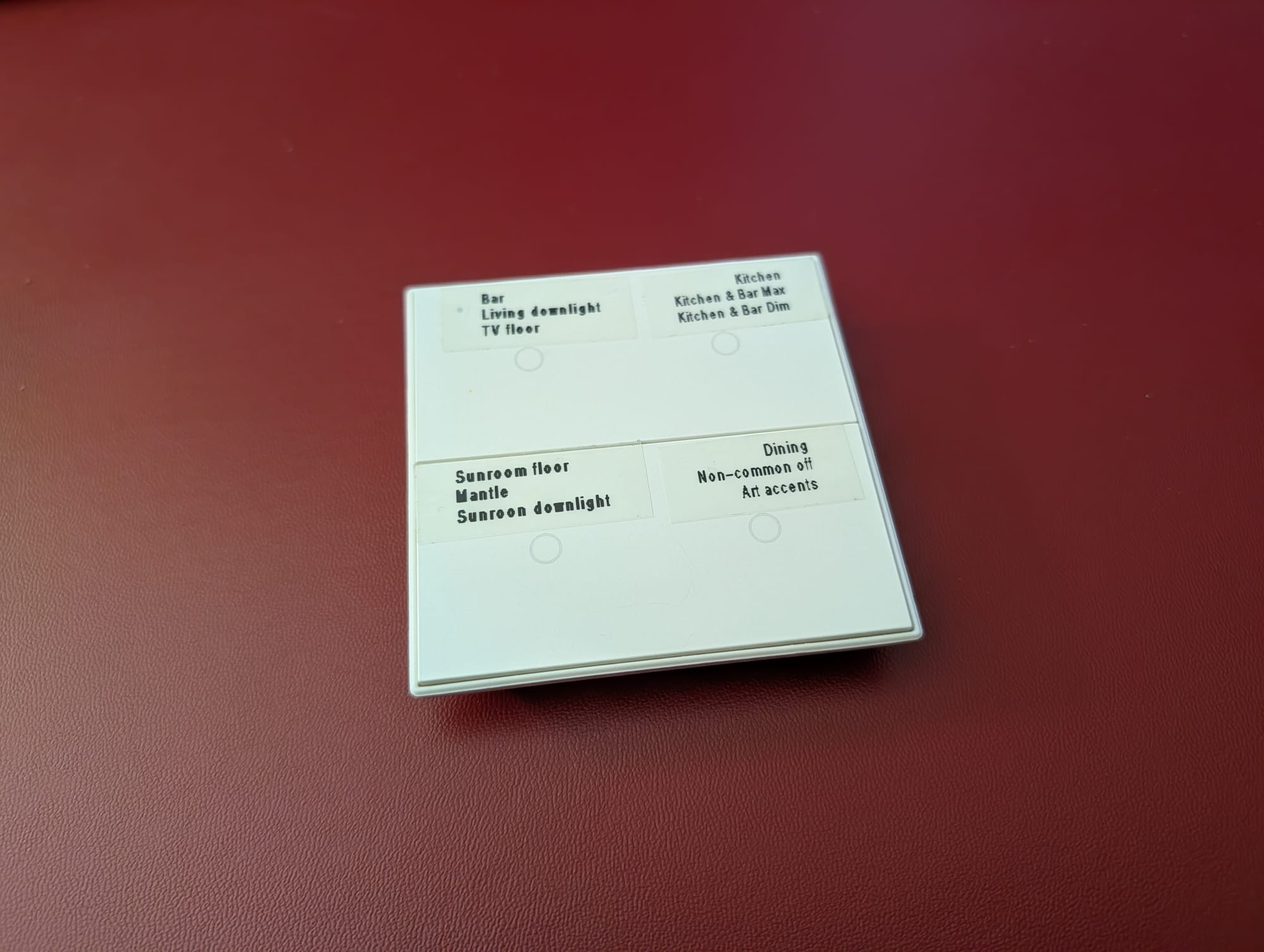
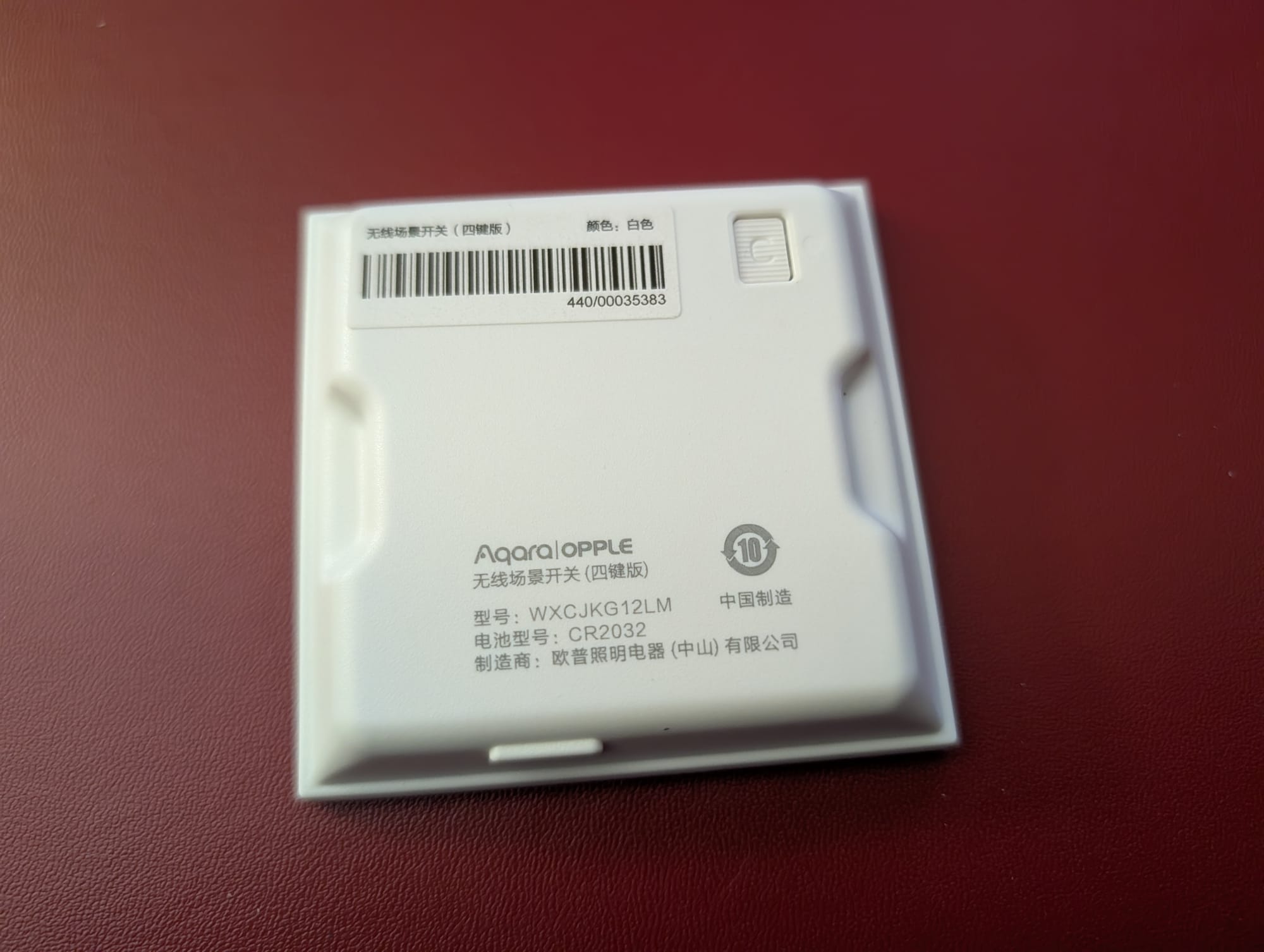
Interestingly, Aqara didn't make the battery compartment obvious, making these units seem non-serviceable. An odd design choice given how great these switches are. The good news is… inside is a standard CR2032 battery waiting to be swapped. Here is how to do it in under 5 minutes.
Tools Needed
- A plastic pry tool (recommended as it's less likely to mar the plastic) or a small flathead screwdriver.
- A small Phillips head screwdriver.
- One fresh CR2032 coin cell battery.
The Step-by-Step Process
1. Remove the Button Faces
Start by gently inserting your pry tool into the seam between the button faces and the outer housing. Work your way around the edge until the button assembly snaps off. Be gentle; you’re looking to release the plastic clips without snapping them.
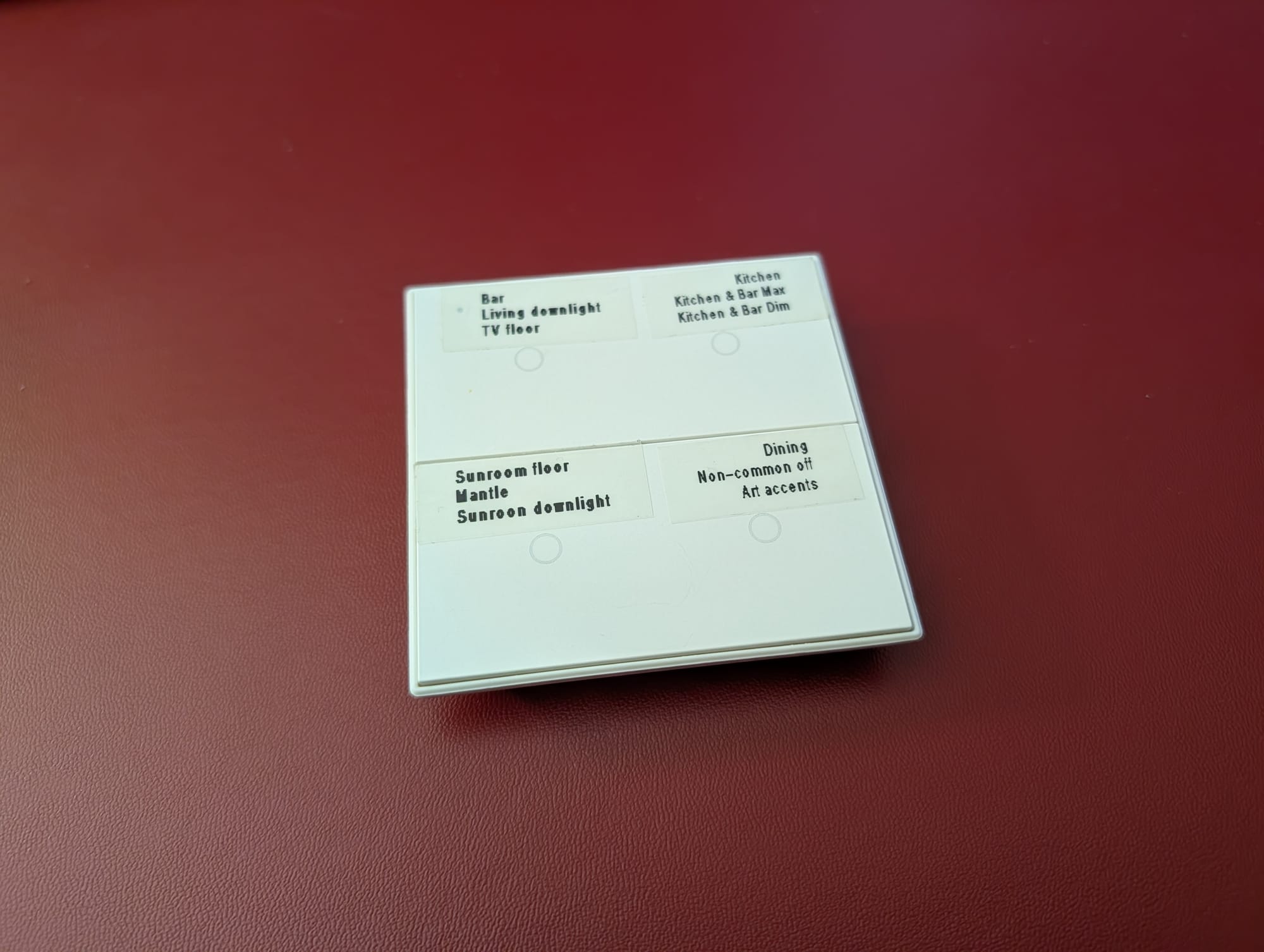
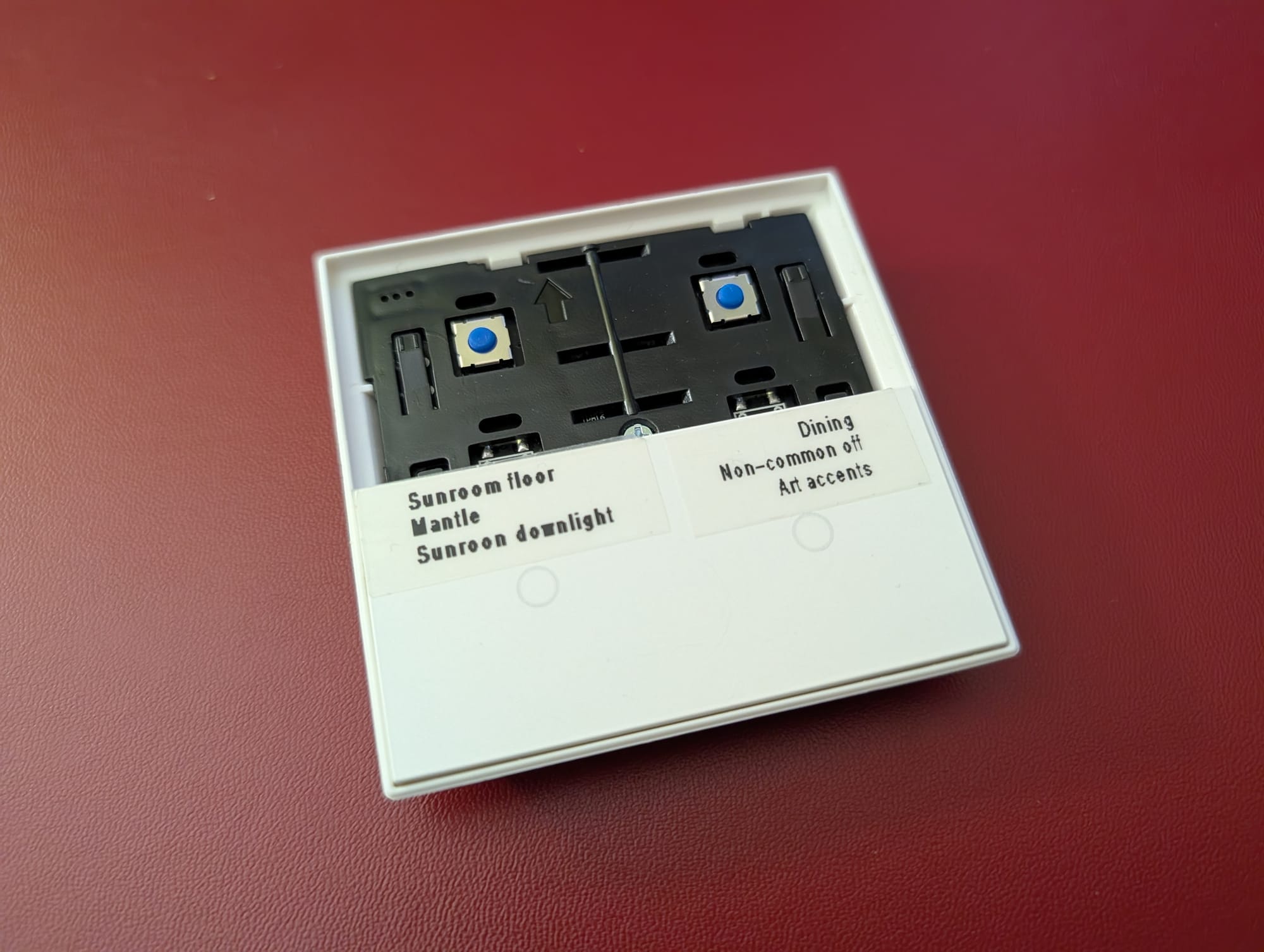
2. Unscrew the Internal Plate
Once the buttons are off, you will see a plastic backplate protecting the internals. There is a single screw holding this assembly together. Remove that screw and set it aside.
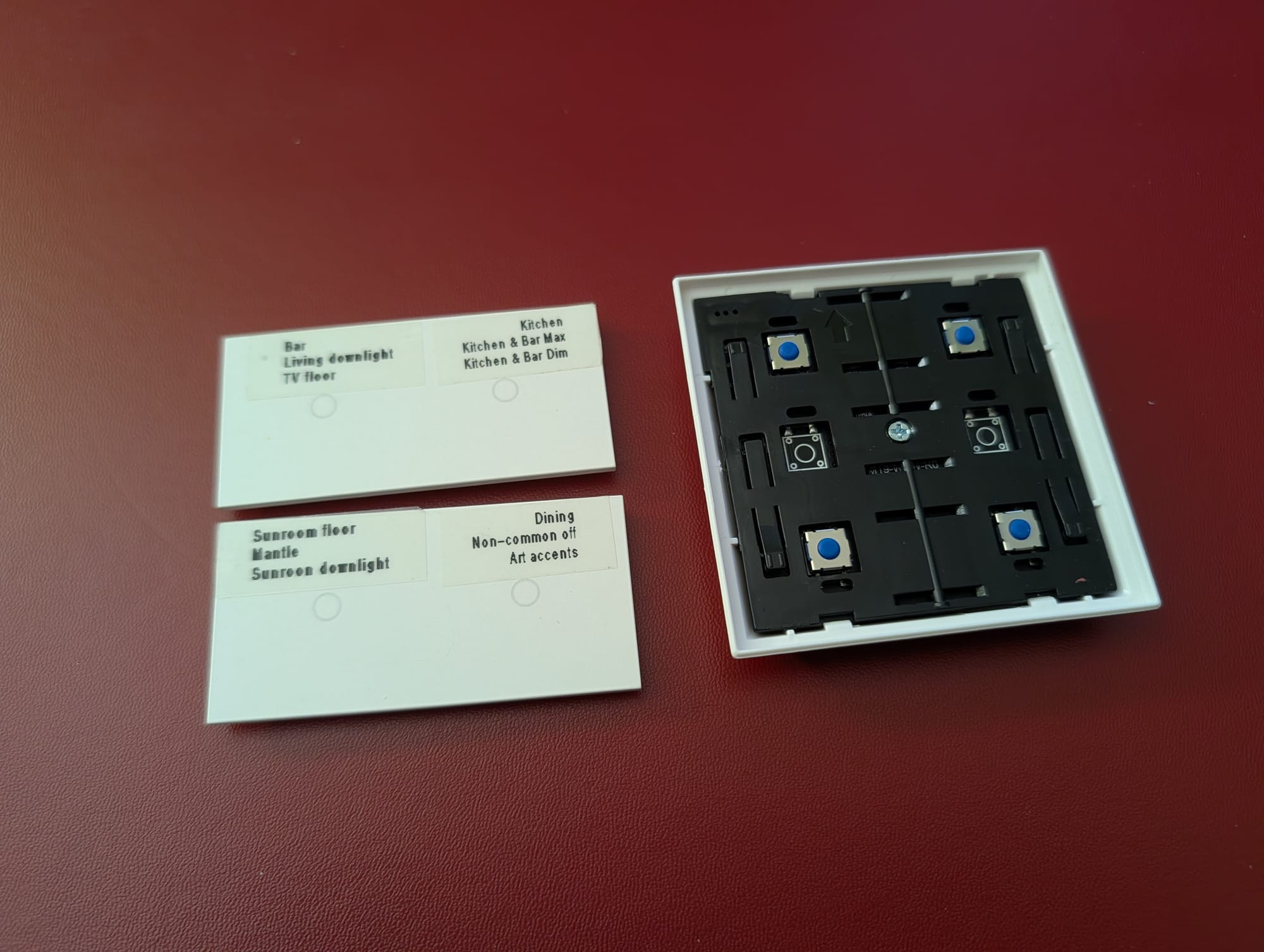
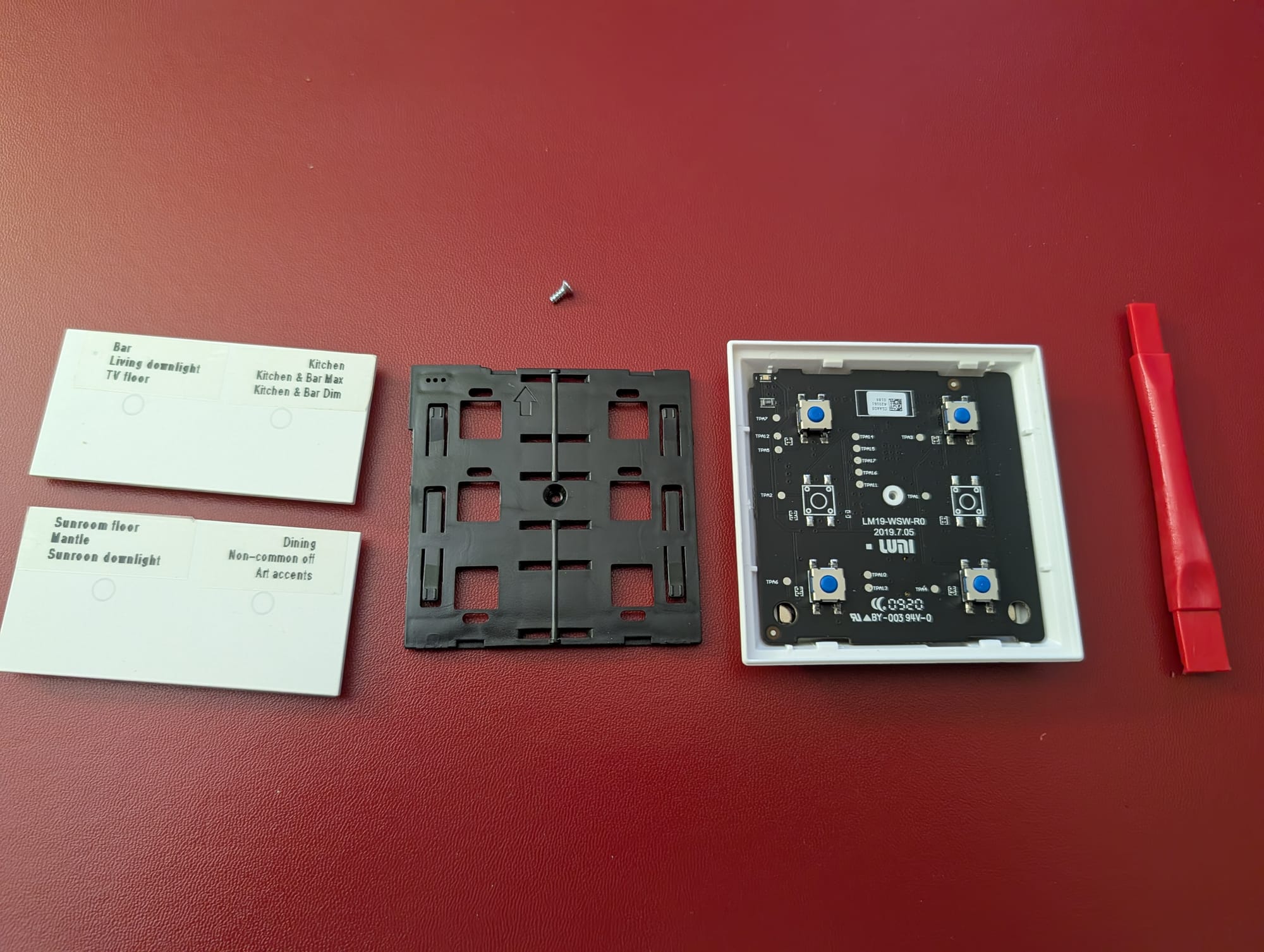
3. Pry the Black Cover
With the screw removed, use your pry tool again to lift the plastic black plate. This plate acts as a shield for the circuit board. Once it’s popped loose, you’ll have full access to the "brains" of the switch.
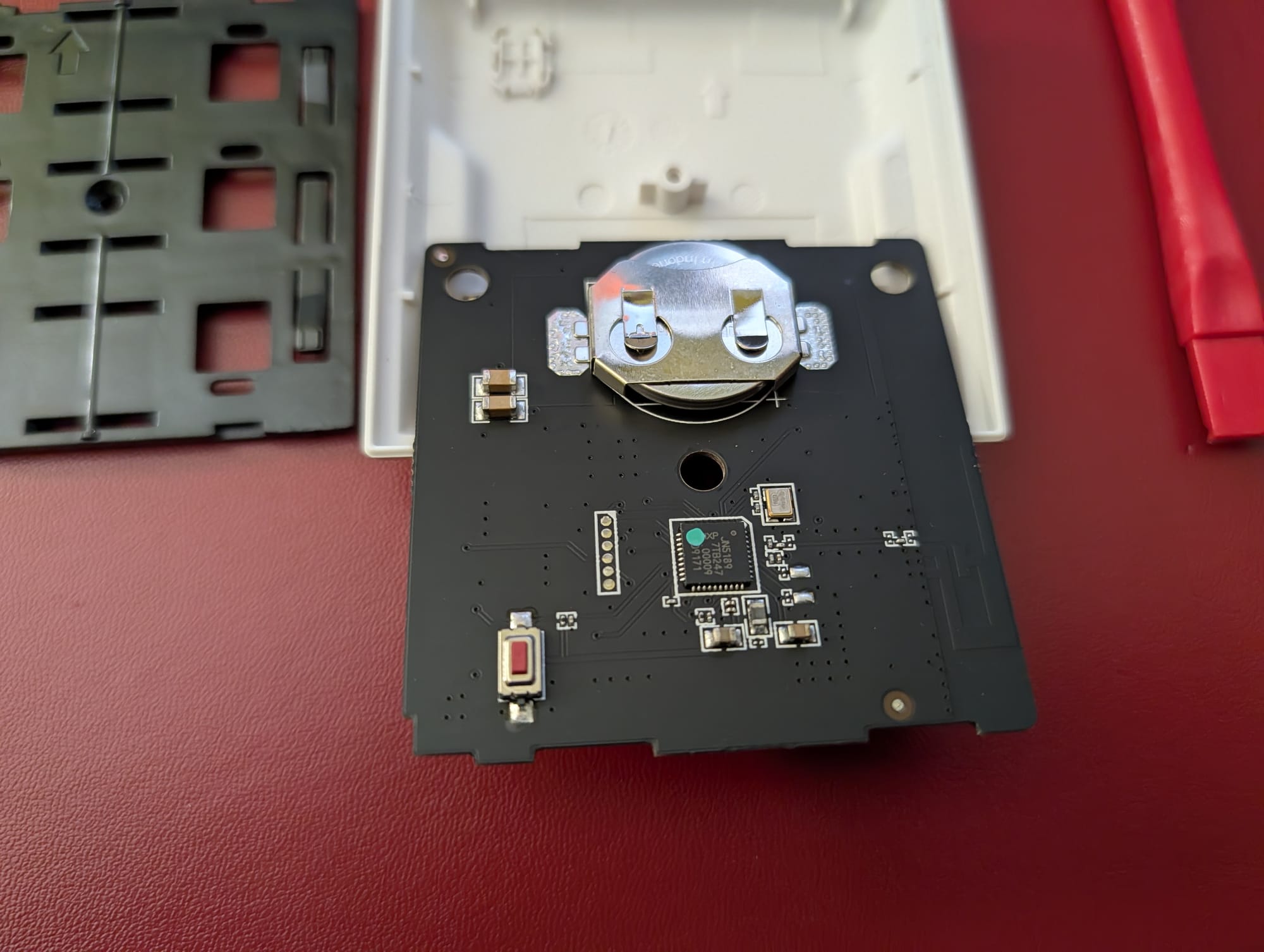
4. The Flip and Swap
Here is the best part: the circuit board isn’t glued or clipped down tightly. Simply flip the circuit board over. No prying is required for this step. On the underside, you will find the CR2032 battery holder. Slide the old battery out and slide the new one in.
5. Reassemble
Place the circuit board back into its seat, snap the black cover back on, and replace the lone screw. Finally, line up the button faces and press down until they click back into place.
Conclusion
That’s it! Your Aqara Opple switch should immediately reconnect to your Zigbee network and continue providing reliable automation control for another number of years. It’s a five-minute fix that keeps a great piece of hardware out of the landfill.